MAINFRAME Pro
Empowering Educators, Keeping Parents Informed, Streamlining Student Success.
Launch Demo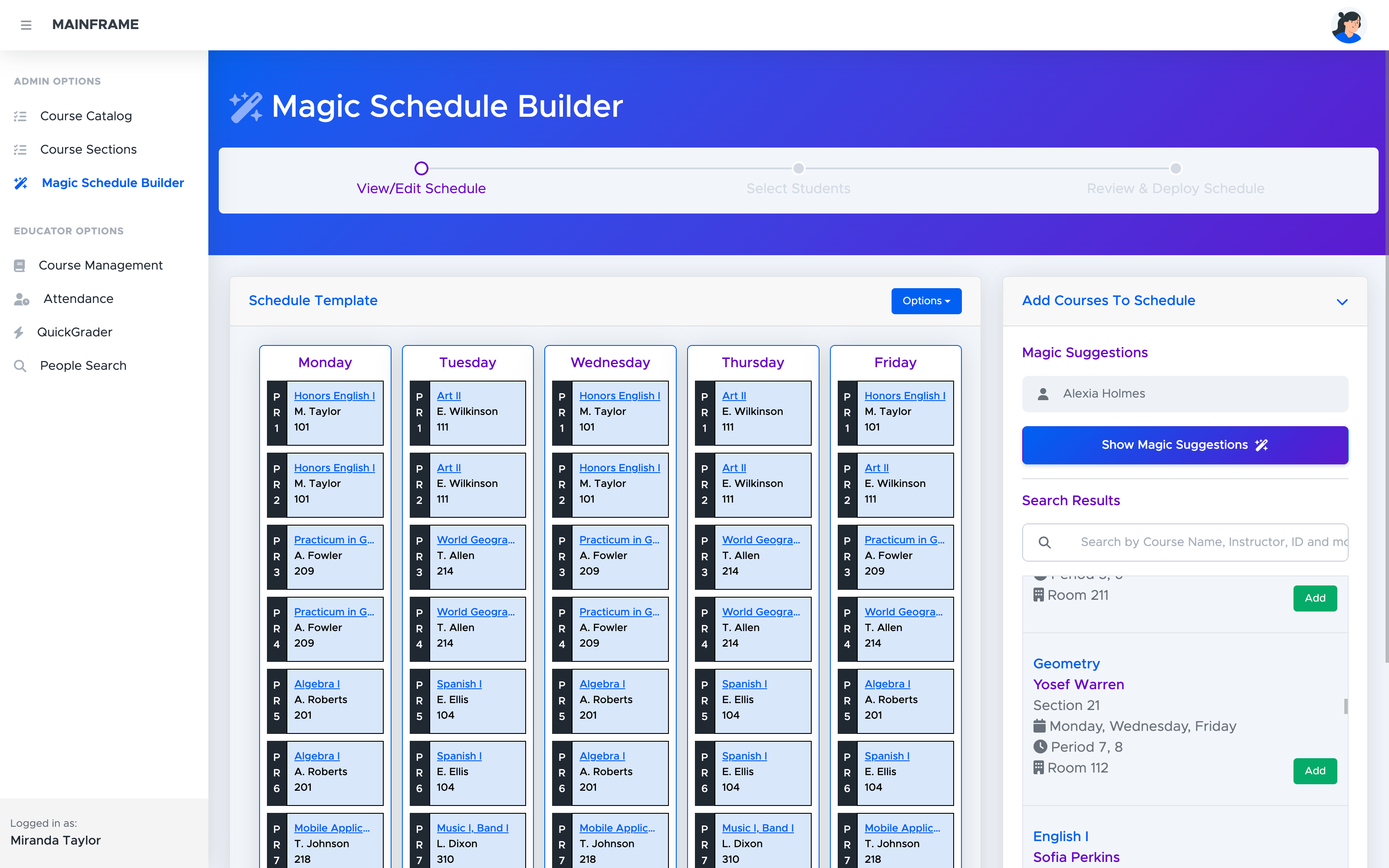
Always up-to-date
Sensitive data such as grades, attendance, and discipline are always available for viewing by parents and admins with changes to data being reflected immediately.
Modern responsive design
Designed with a mobile-focused approach, every aspect of the app looks and functions great on any device! Teachers and parents are always on the go, and student records should be able to travel with them.
Feature-rich
Powerful tools are included right out of the box, allowing the system to manage itself.
A good SIS connects staff directly to a student's family
Course Management
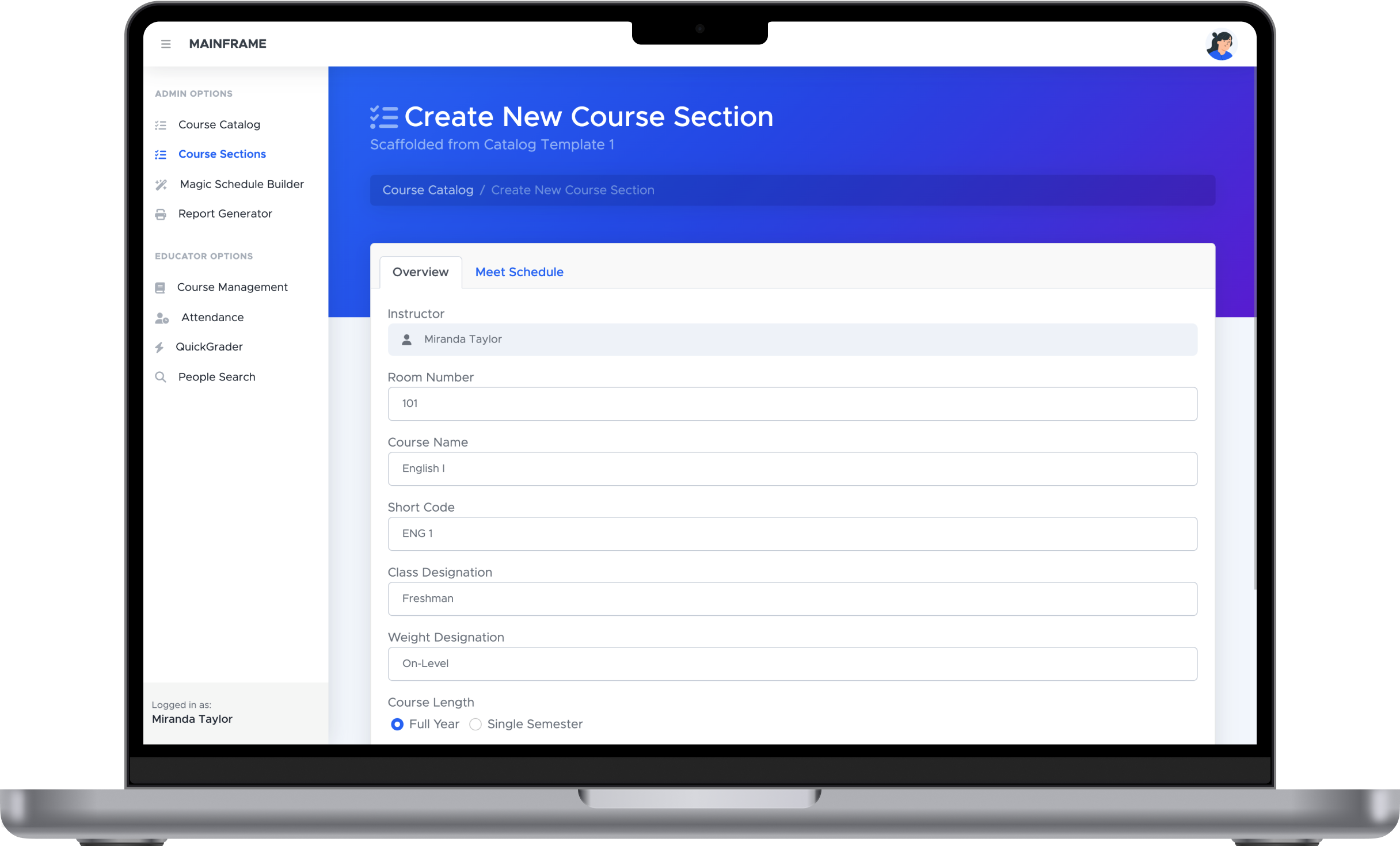
Creating course sections is a snap
Using preset data from the course catalog makes creating a new course section a breeze. After choosing a template, reconfigure course section details as little or as much as needed.
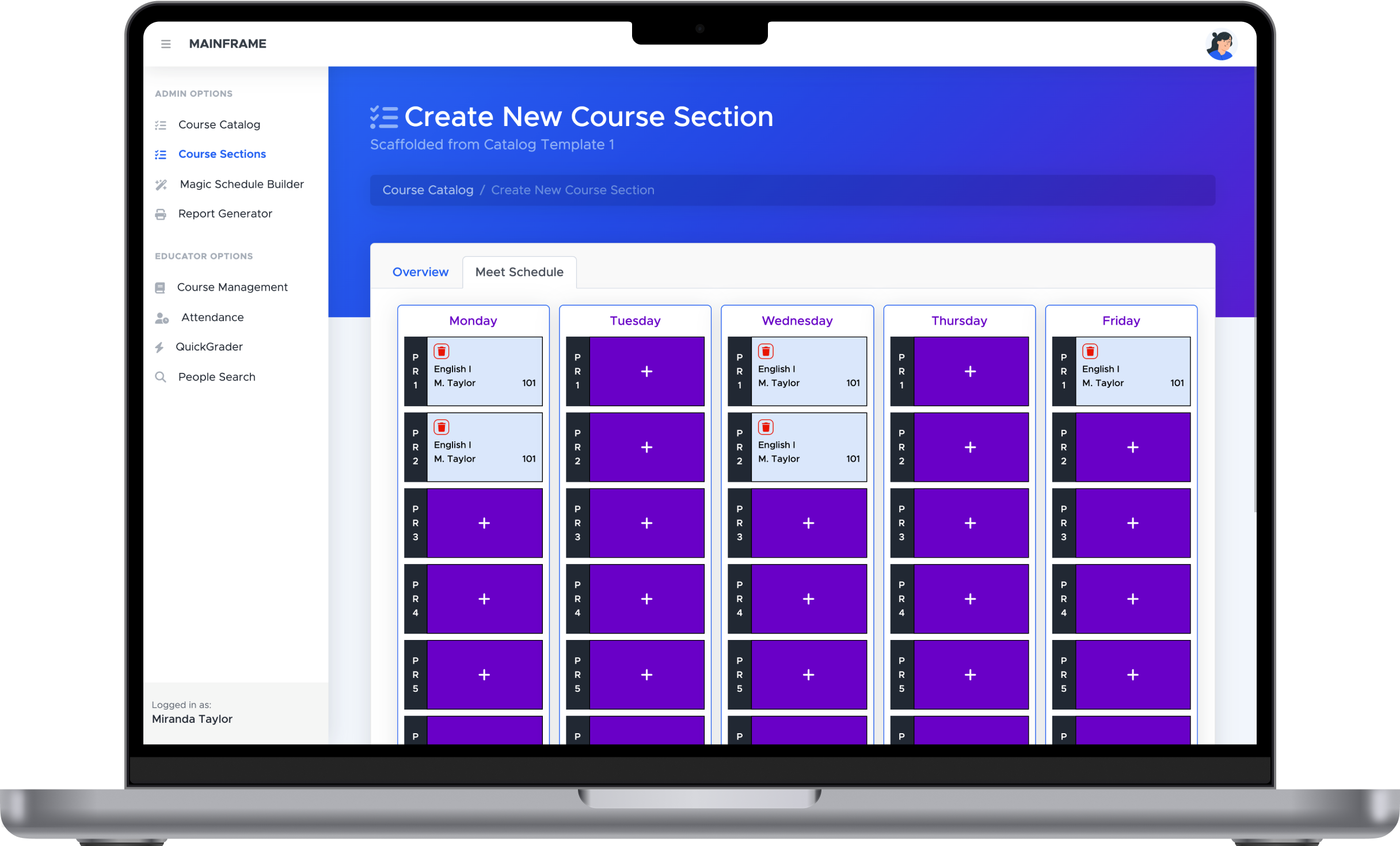
Set a weekly schedule in seconds
MAINFRAME's new meet schedule UI makes it easy to see and change a course section's weekly schedule, with changes being reflected everywhere instantly.
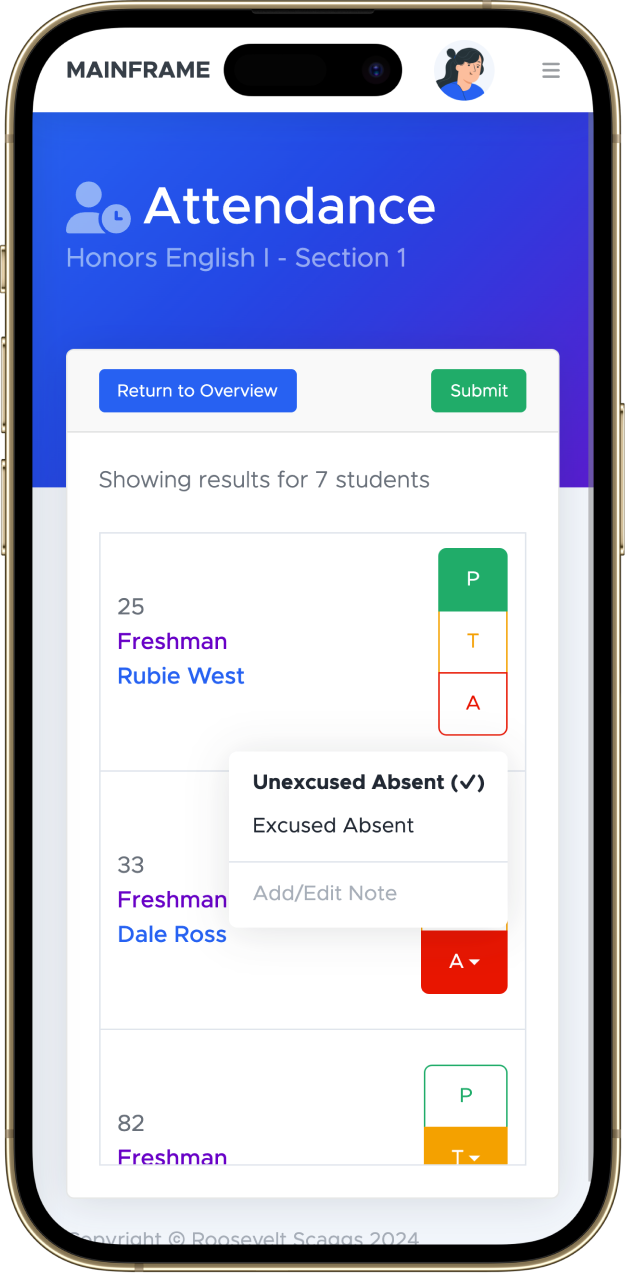
Live Attendance
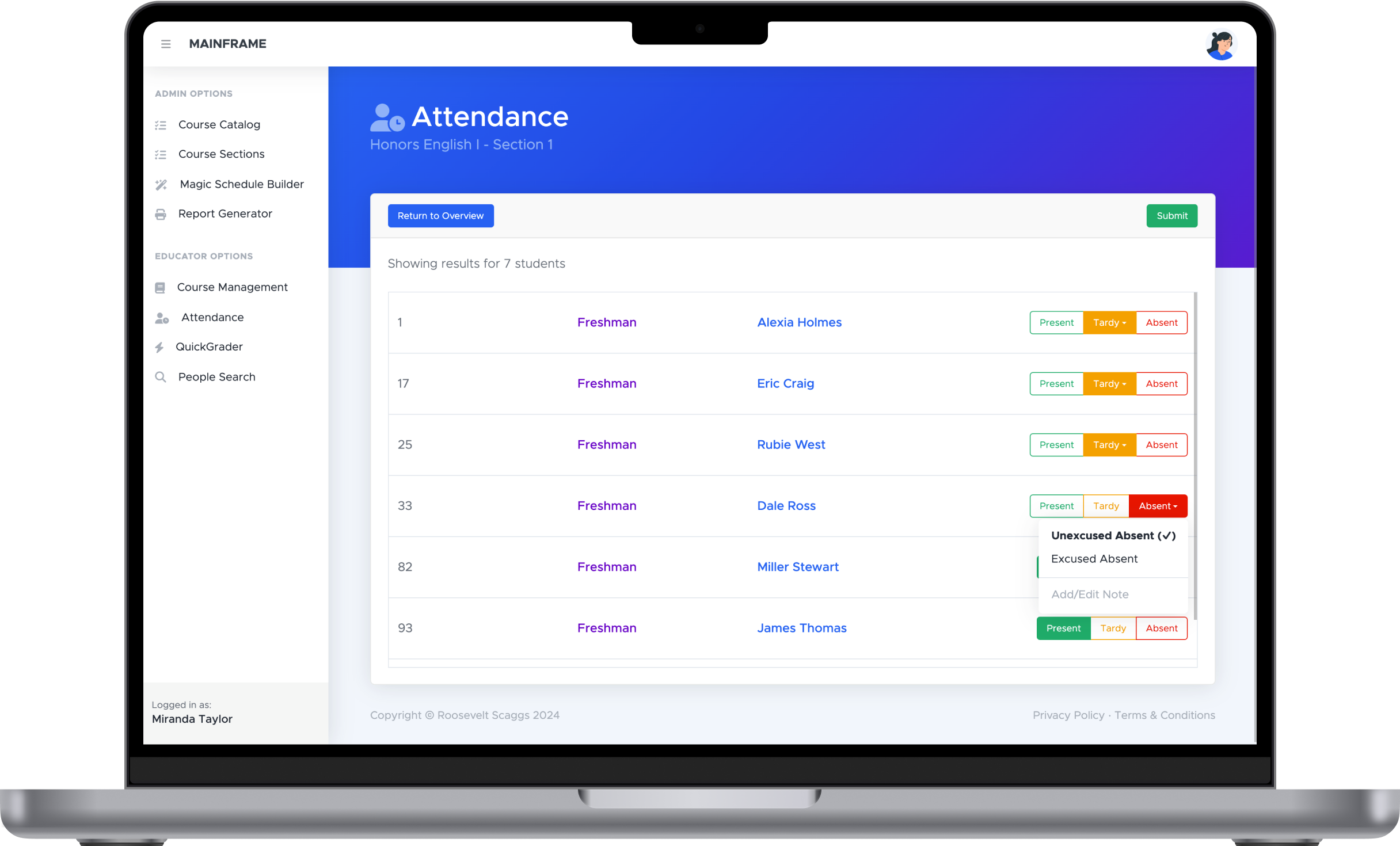
Attendance in the classroom or on-the-go
Regardless of whether a desktop or mobile device is used, it's easy to quickly take attendance on MAINFRAME, with parents and school admin being notified immediately.
Seamless Reporting & Analytics
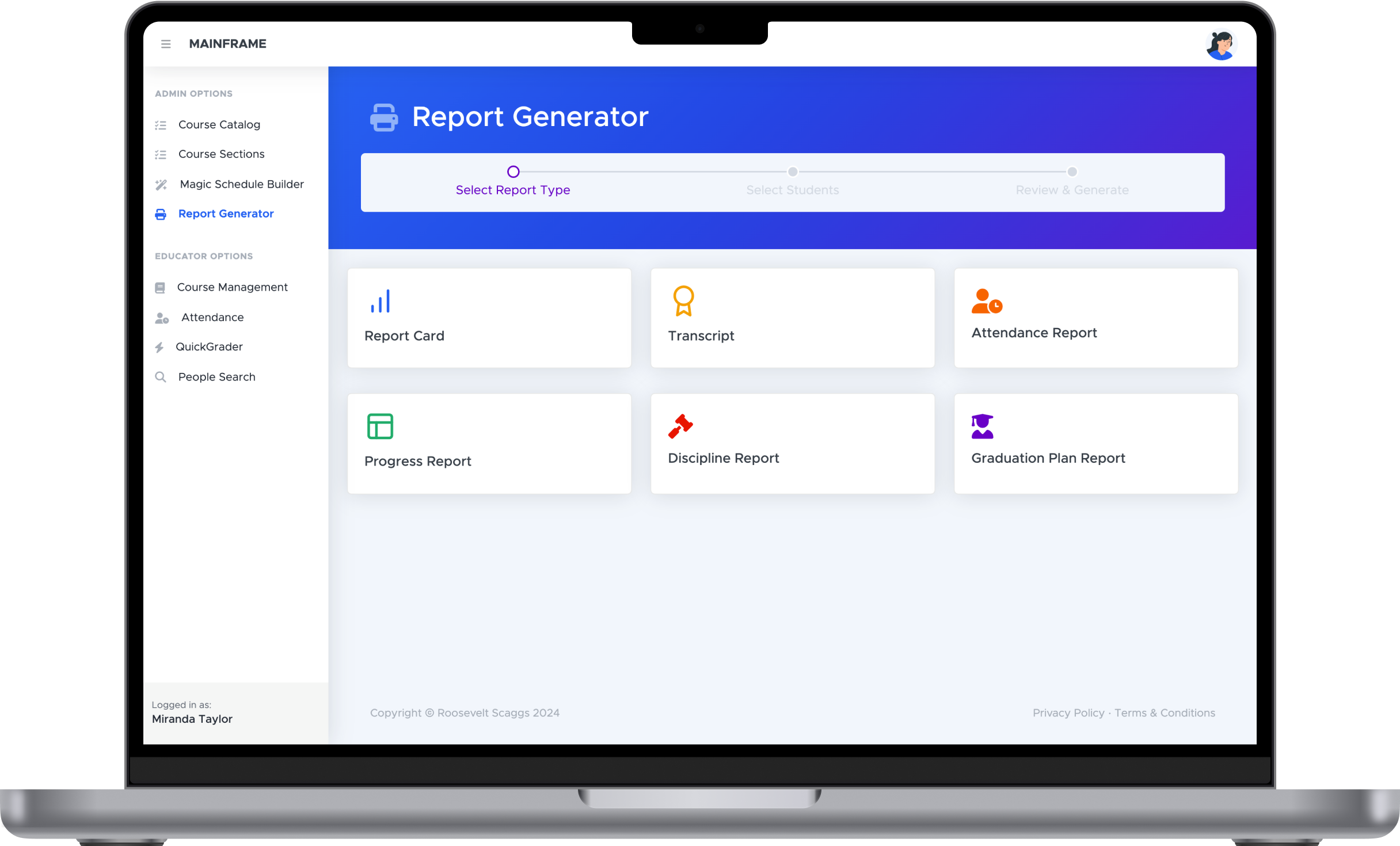
Supercharged Report Generator
With the all-new report generator microservice, powered by Apache Kafka and Spring Boot, making report documents is quick and easy.
Powerful Scheduling
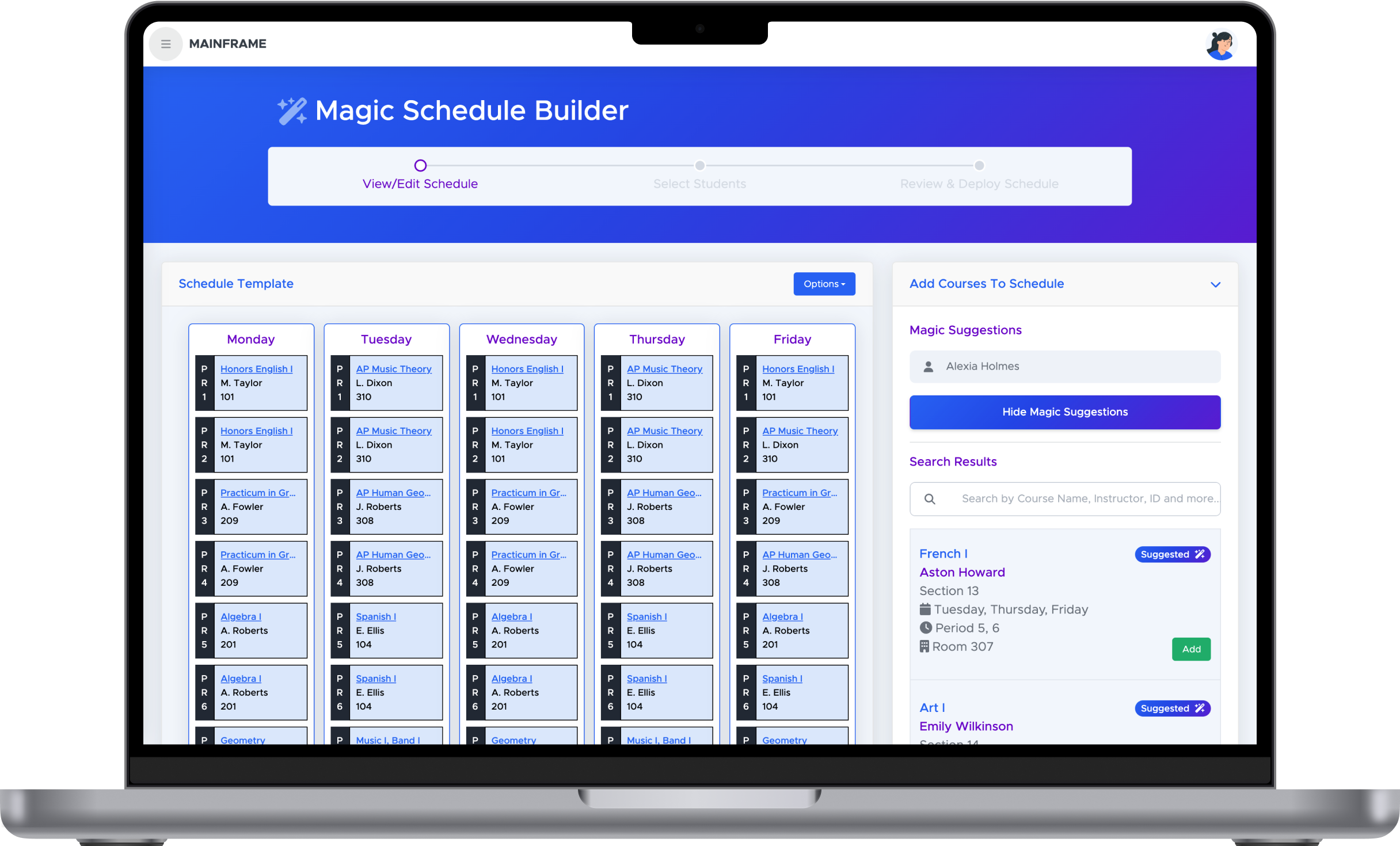
Magic Schedule Builder
Easily create, save, and deploy scheduling templates for as many or as few students as you like. And Magic Schedule Builder can even give automatic course suggestions based on available courses and the student's remaining graduation requirements.
Flexible Gradebook
Responsive UI
With MAINFRAME, you have the flexibility to enter grades from any device of your choosing. On desktops, tablets, and mobile devices, MAINFRAME's UI transforms to show gradebook options in a cohesive and functional way.
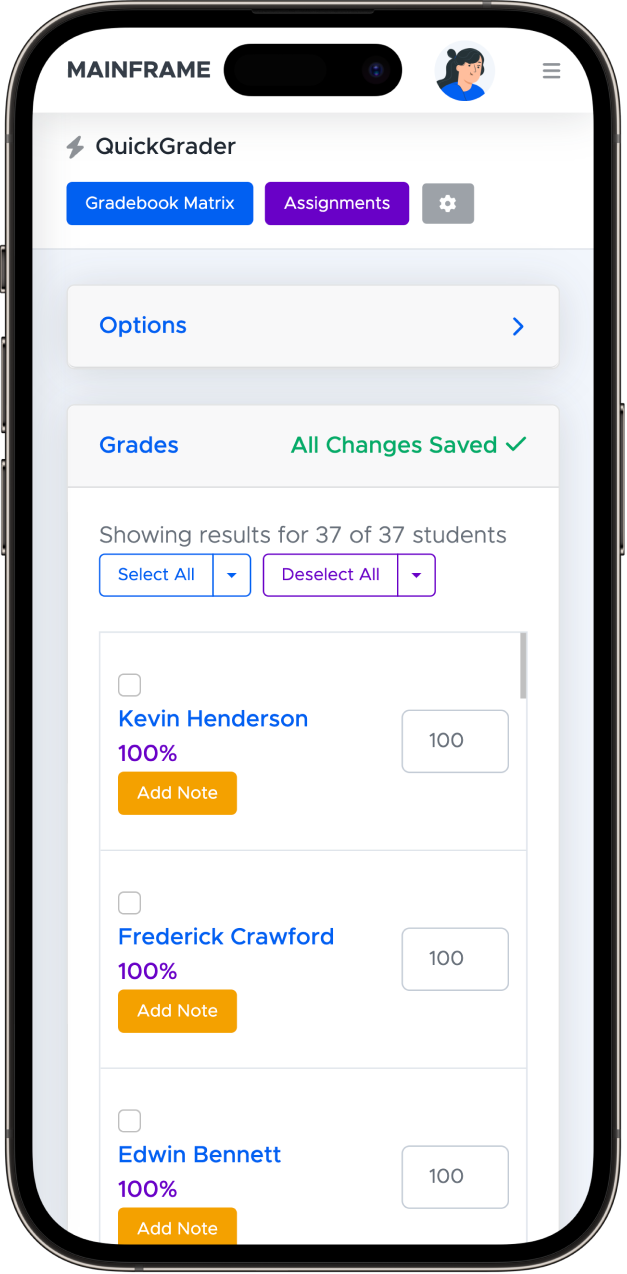
Classic Gradebook Matrix
See and edit student grade records at a glance with the classic gradebook matrix style.
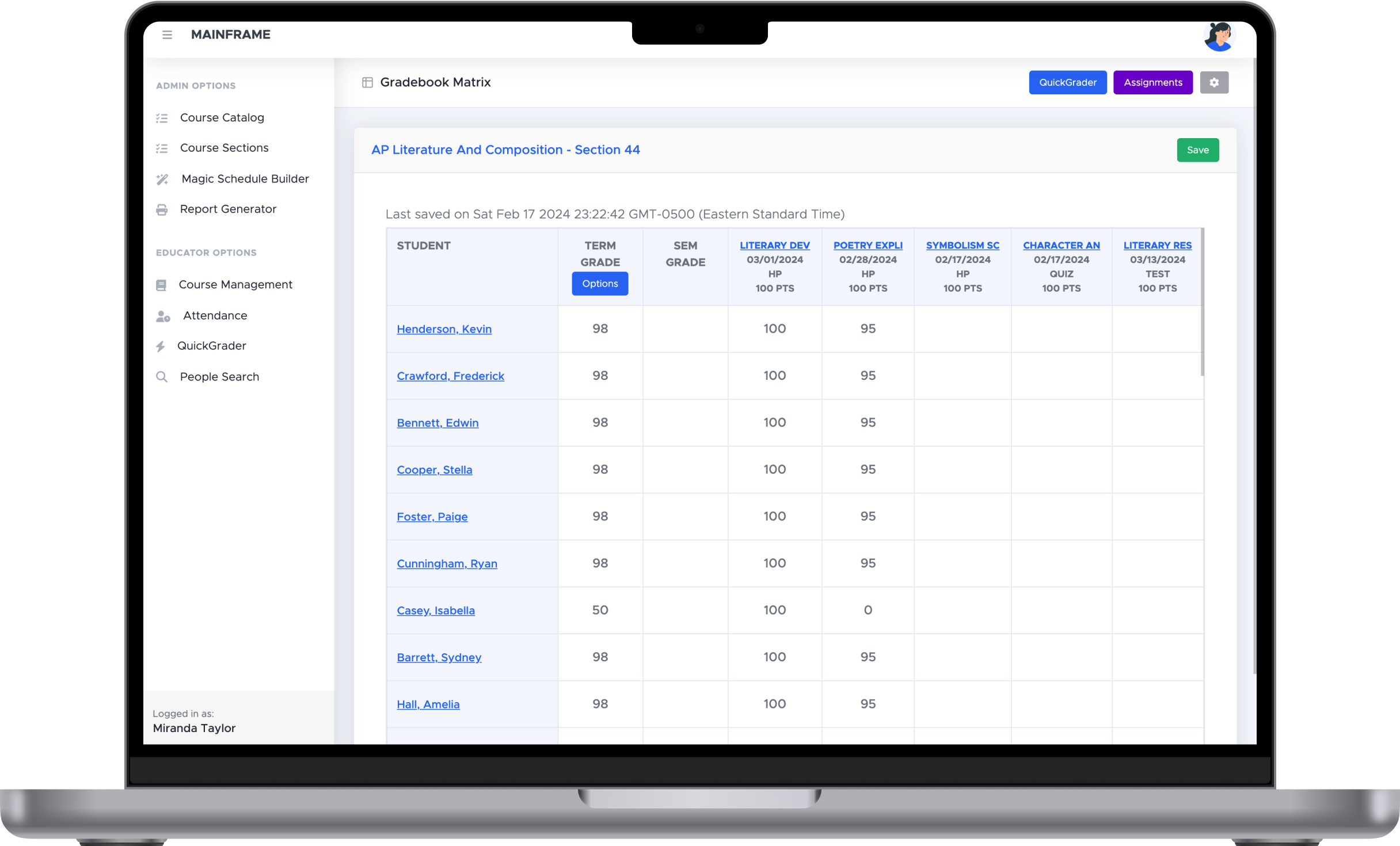
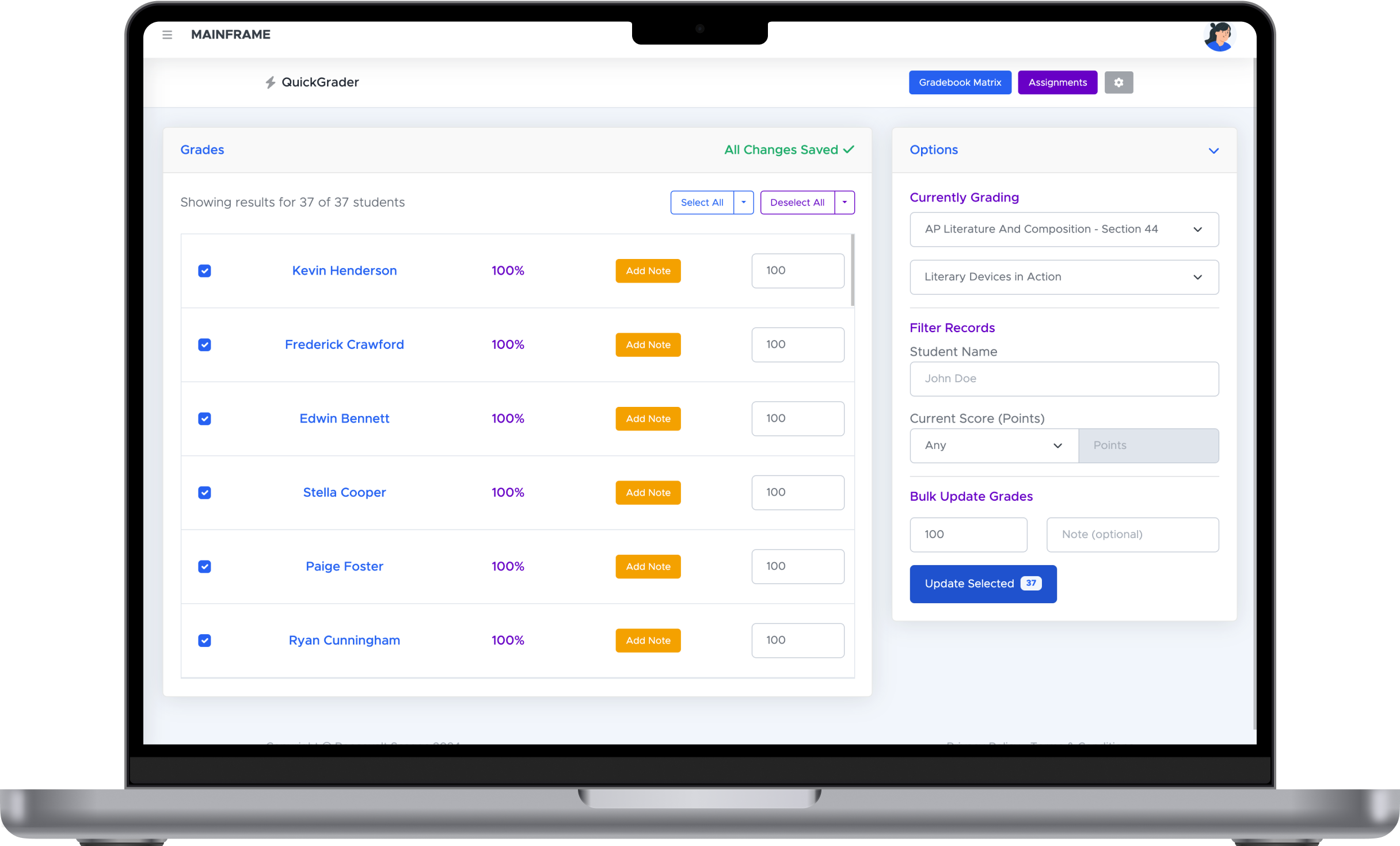
All-New QuickGrader
The all-new QuickGrader allows educators to input grades at lightning speed, with changes being saved and reflected automatically.
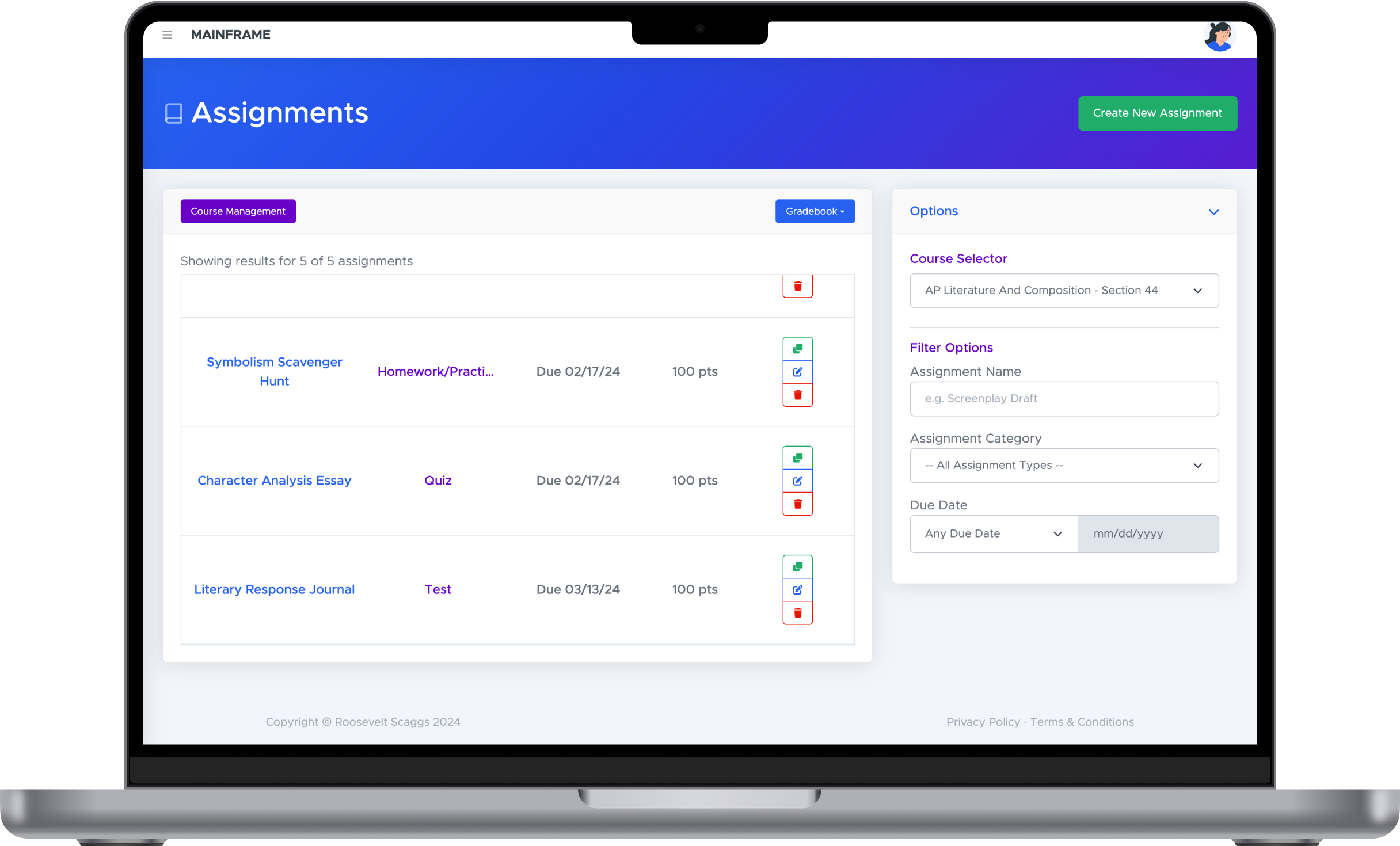
Configurable Assignments
Create new assignments in seconds with the flexibility of setting the assignment category weights and points exactly how you like.
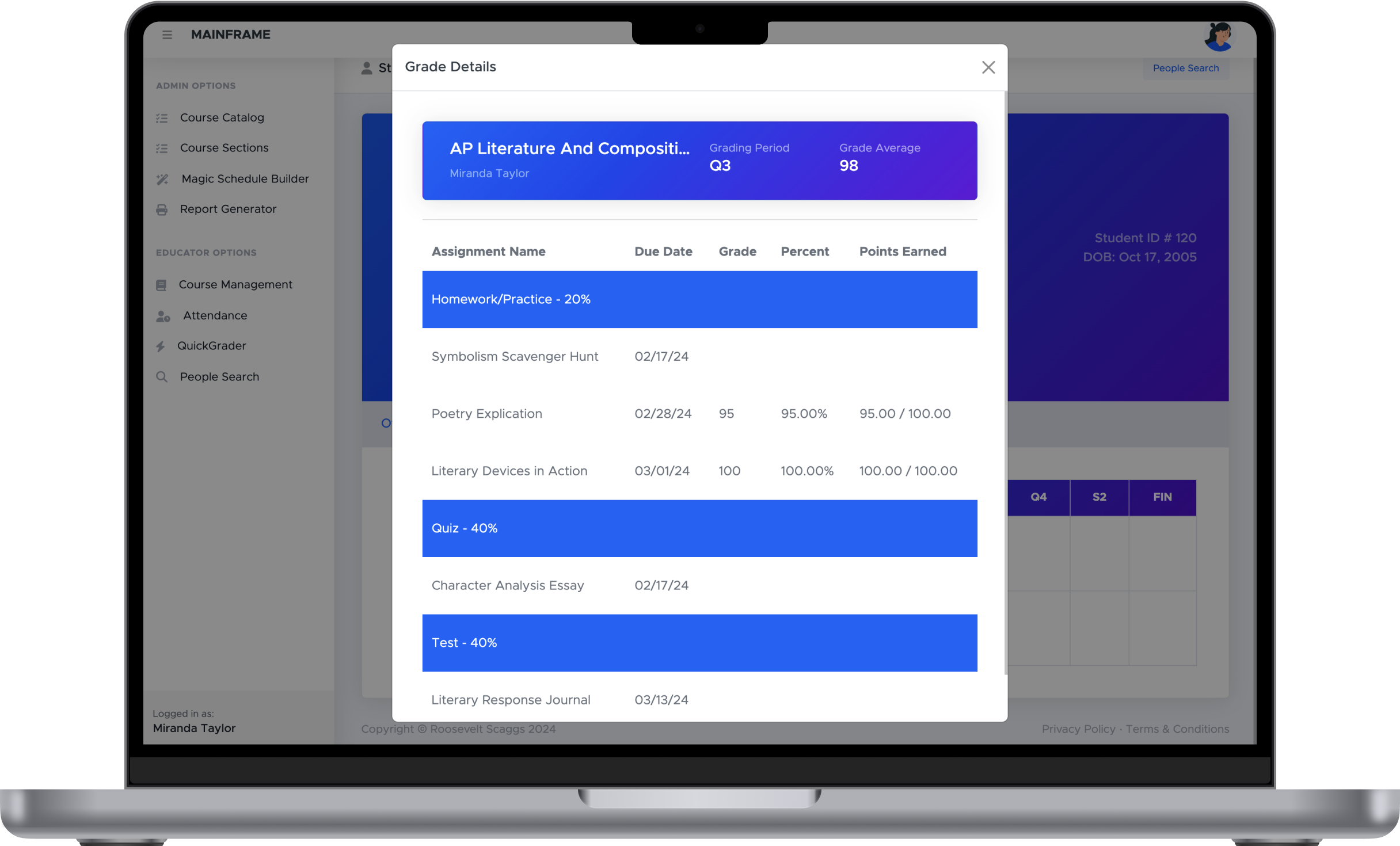
Grade Details
Take the confusion out of student grades with the Grade Details view showing all graded assignments organized by their weighted categories.
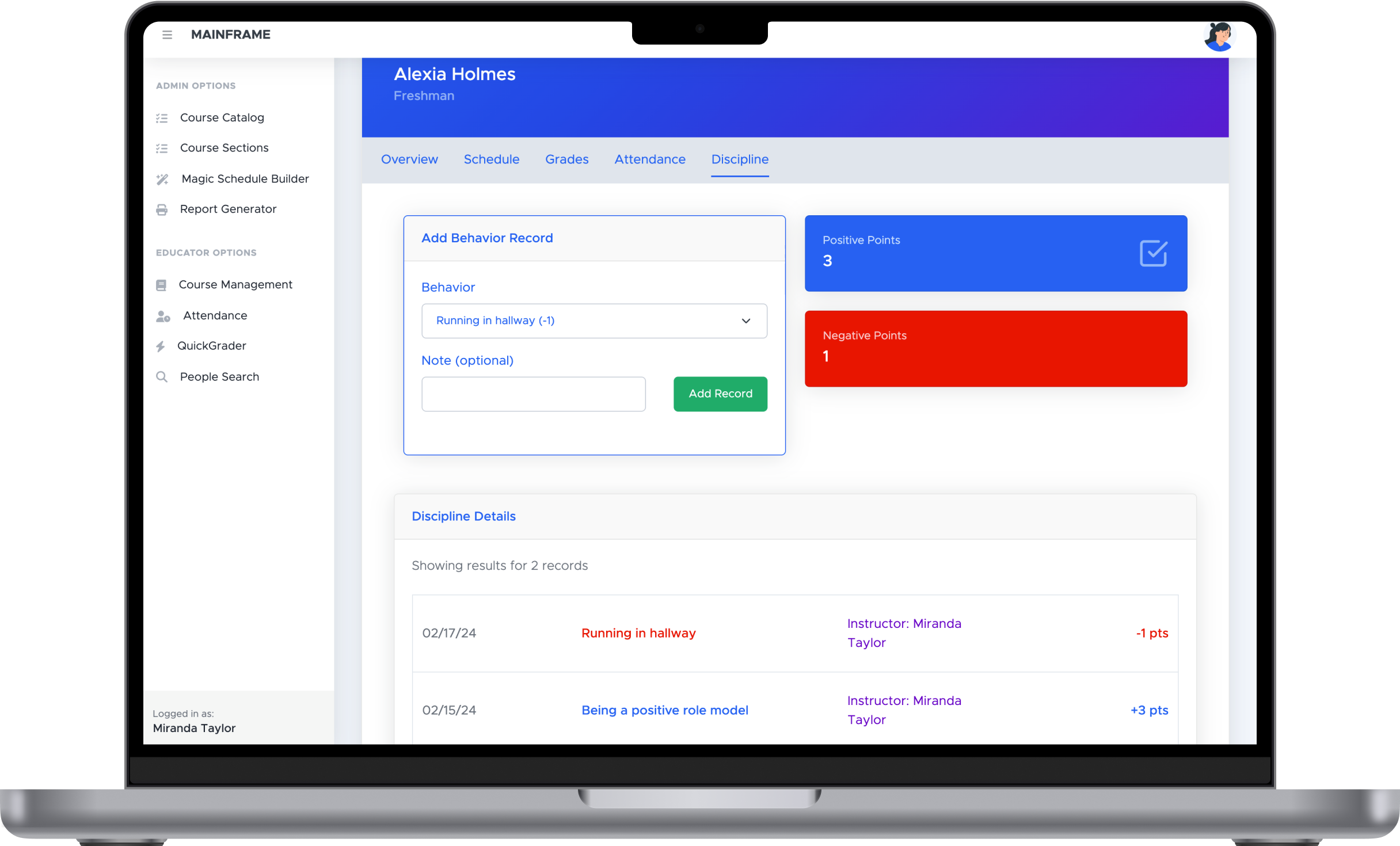
Discipline
Reinforce your code of conduct by documenting both positive and negative behavior
Add discipline records to notify school admin and parents of student behavior.
What technologies are used?
MAINFRAME Pro was written using HTML, CSS, TypeScript, Java, JavaScript, and SQL. Specifically, it uses the Angular frontend framework, Sequelize ORM, PostgreSQL database, and an Express.js backend. In addition, it also features multiple microservices that utilize Spring Boot and Apache Kafka.
How is the data stored?
The application utilizes Sequelize (JavaScript) and Spring Data JPA (Java) in order to interface with the PostgreSQL database; however, any database compatible with Sequelize and Spring Data JPA can be configured for use with the app.
Seeing is believing. Try it out yourself now!
Want to test out some of MAINFRAME's features?
Try the demo version of the app to preview its capabilities!