AWS EC2 Cost Optimizer
Cost optimization made easy
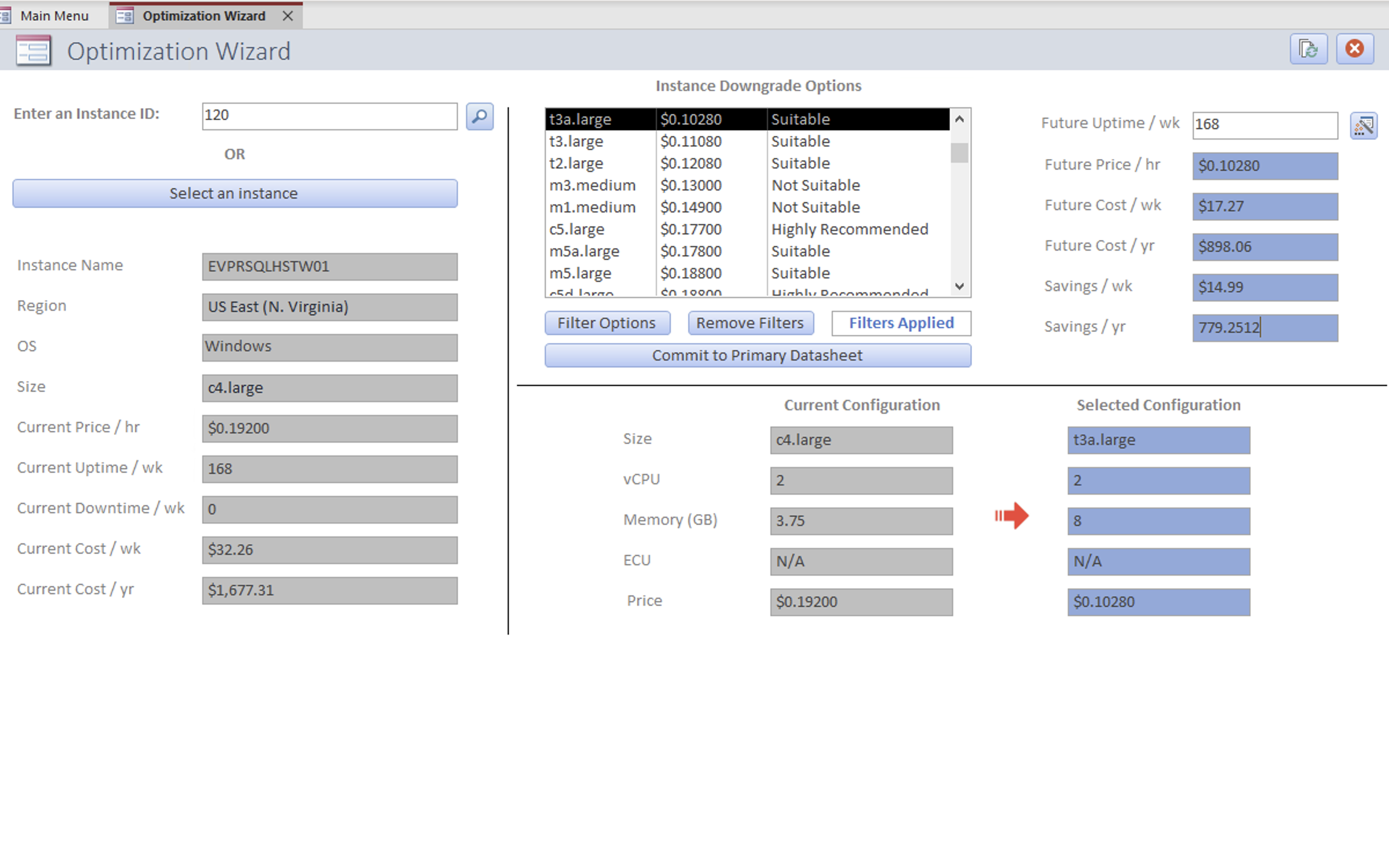
Easy to use
With its simple interface, EC2 Optimizer is easy to navigate
Streamline focused
Smart suggestions provide an array of options that are cost-focused
Feature-rich
Powerful tools are built in to do all of the heavy lifting
Take the guesswork out of cloud cost optimization
Data Import
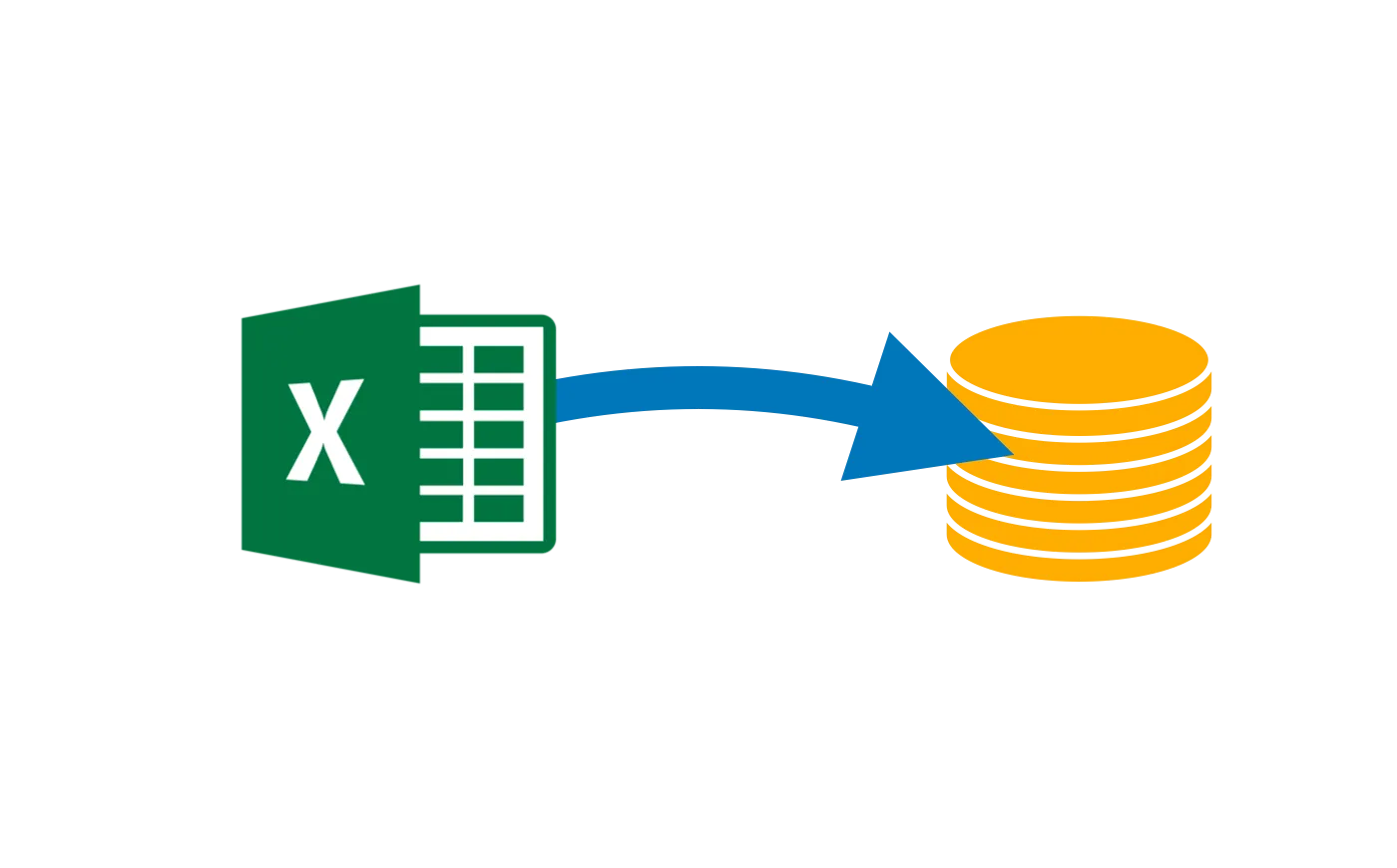
Import instance usage data directly into the app
EC2 Optimizer allows for instance usage data to be imported from any cloud provider, making it quick and simple to get started with analyzing instance usage patterns.
User-Friendly Interface
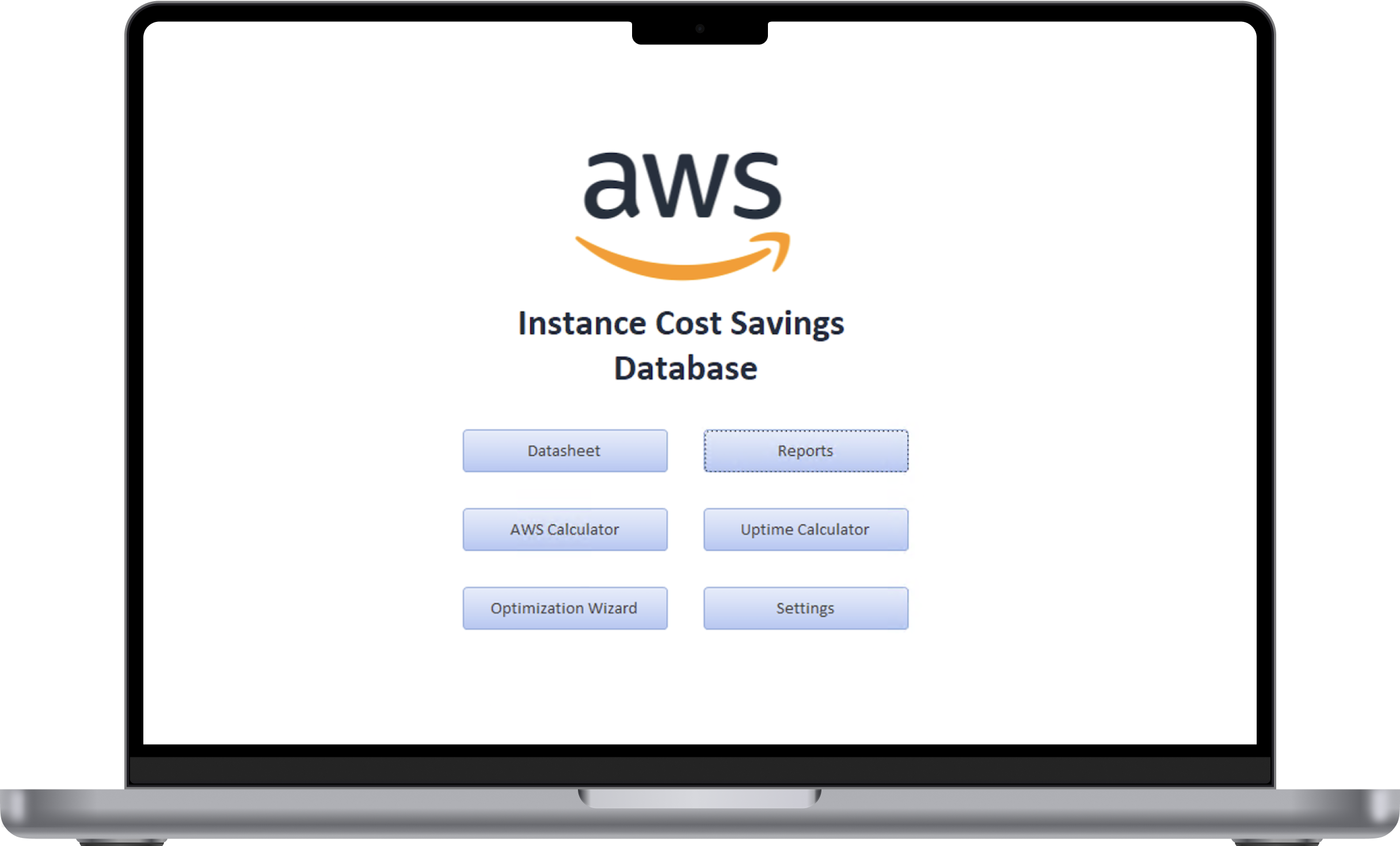
Simple Graphical User Interface
Interact with the app just by pointing and clicking. No need for any special formulas or advanced keyboard shortcuts.
Automated Web Scraping
Automatic Pricing Updates
EC2 Optimizer comes equipped with its very own Java-powered web client that scrapes the Amazon Web Services site to ensure that pricing information and cost optimizations are always accurate and up-to-date.

Specialized Calculators
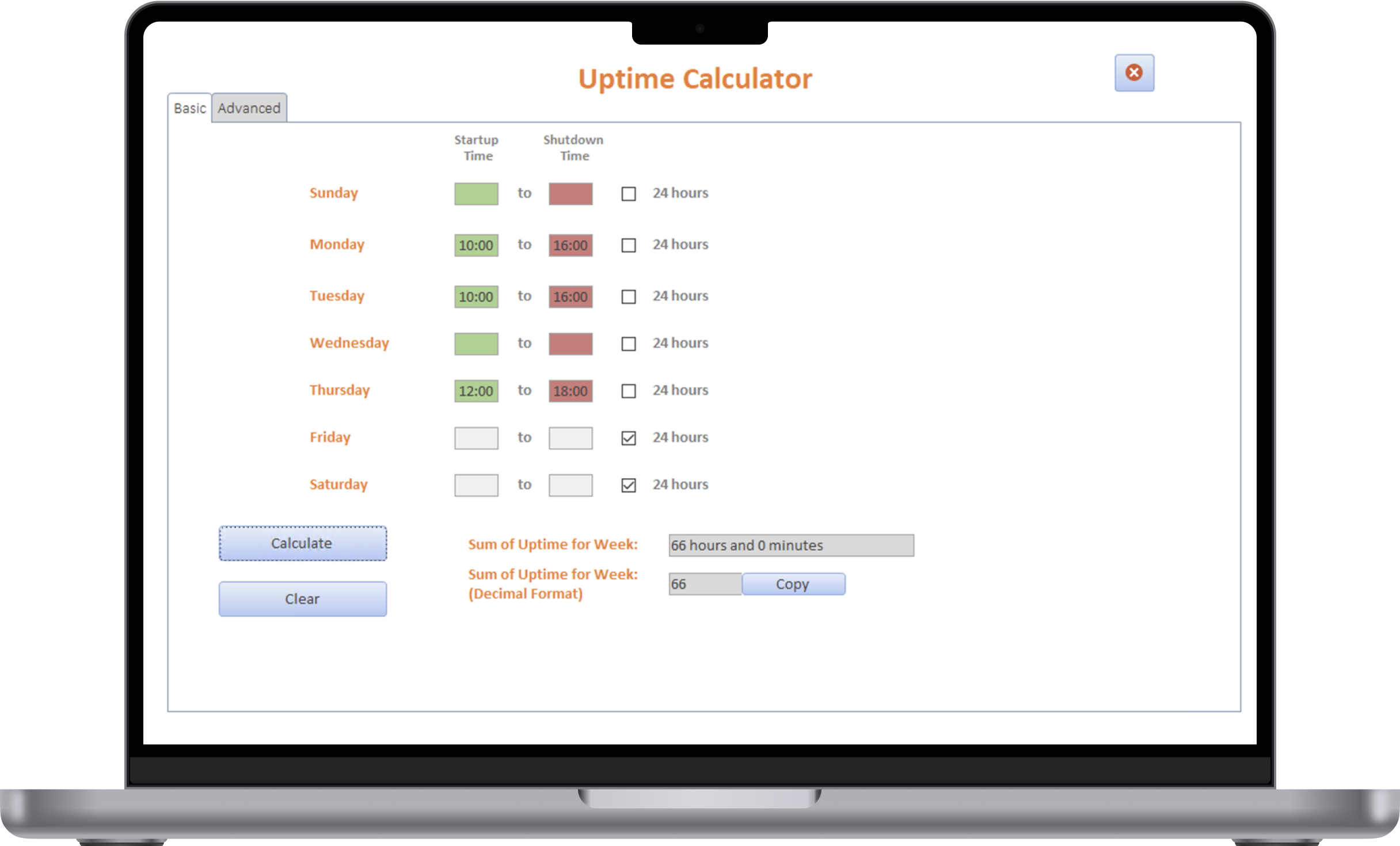
Uptime Calculator
Quickly and easily calculate instance uptime, all without the pen and paper.
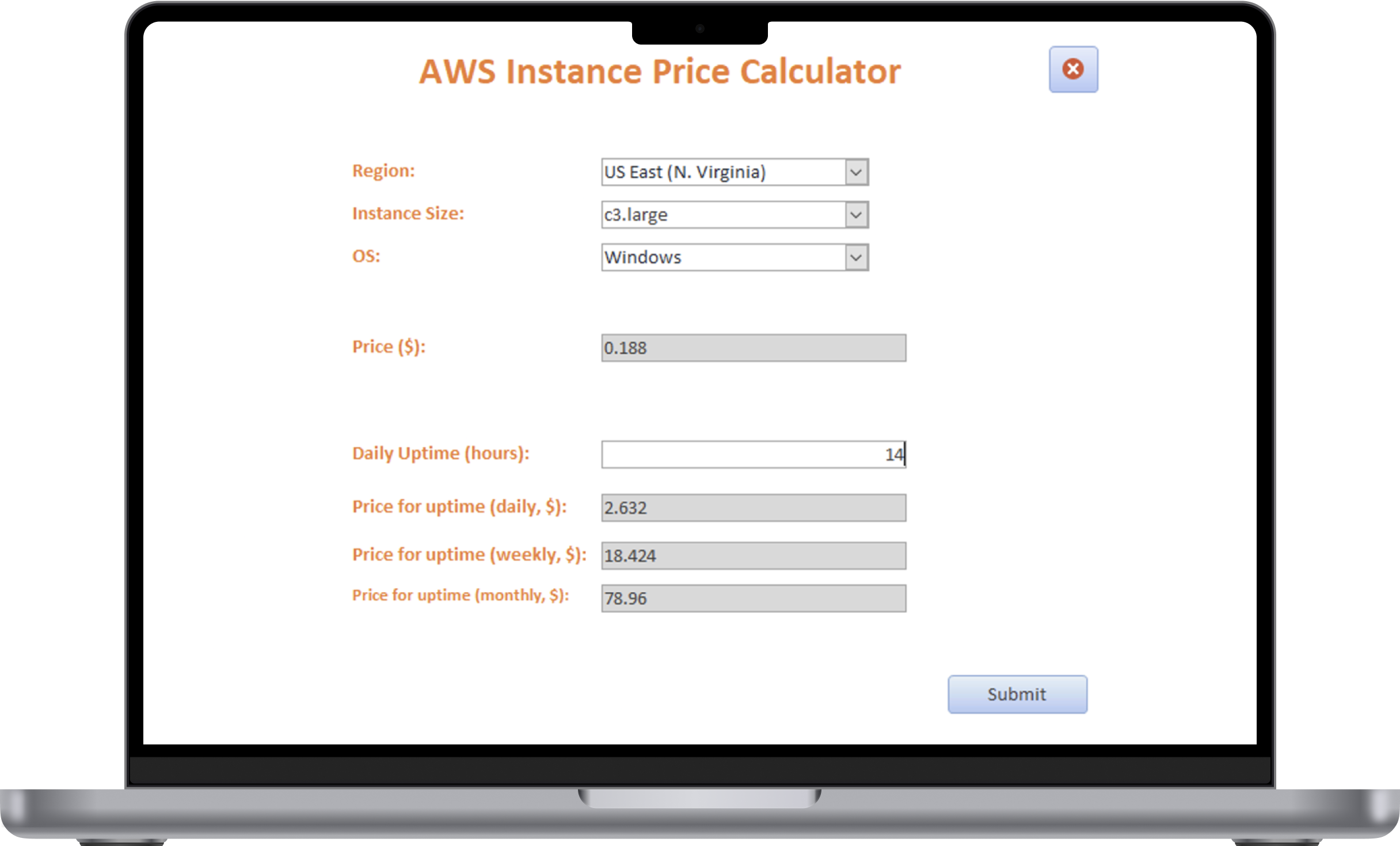
Instance Pricing Calculator
Calculate projected instance price metrics, no price lookups required.
Optimization Wizard
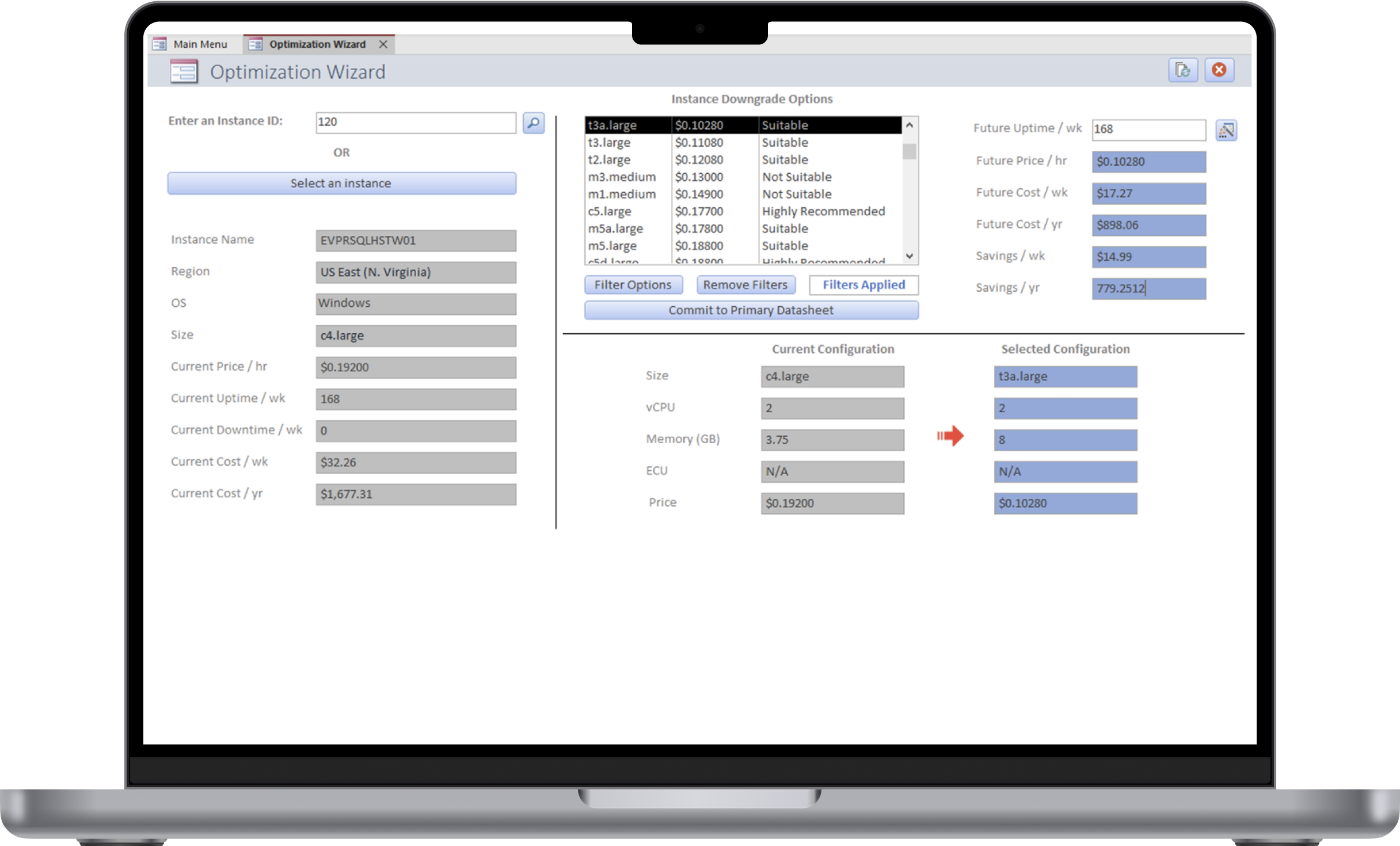
Hands-free Optimization
Say goodbye to complicated Excel formulas. With the Optimization Wizard, cloud instance downgrade options are listed automatically based on entered usage data with potential matches being ranked by suitability.
Savings Reports
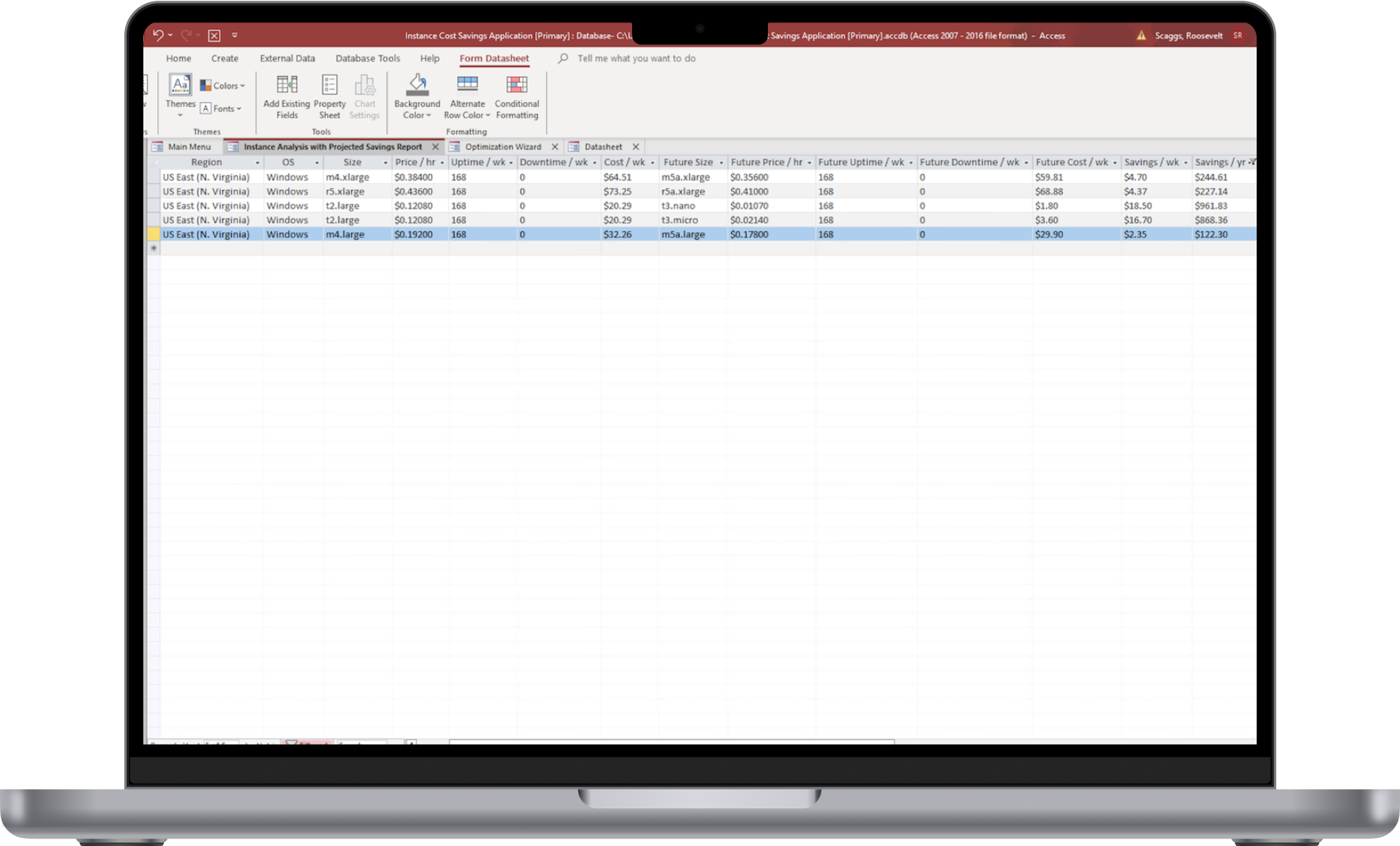
Create savings reports in a flash
Once cloud instance downgrade options have been selected, EC2 Optimizer can automatically calculate estimated savings based on existing usage patterns and generate a report for export.
What technologies are used?
EC2 Optimizer was written using VBA, Java, and SQL. Specifically, it uses VBA for the local Microsoft Access frontend and its logic, and SQL for interfacing with the Microsoft SQL Server backend. Additionally, it uses Java to power the web scraper that automatically refreshes AWS pricing data.
How is the data stored?
The application utilizes Microsoft SQL Server to store data in the backend.